Before installing anything, it's worth knowing: Android already manages RAM automatically, and apps that promise to "free up RAM" usually only provide temporary gains. What truly improves performance is freeing up storage, clearing cache, and uninstalling what you don't use — and that's precisely what the apps on this page automate.
Below are three free cleaning apps for Android — Nox Cleaner, CCleaner, and AVG Cleaner — what each one does, and what you can realistically expect after cleaning.
Why does my phone get slow over time?
One of the most common questions among users is: “Why is my phone so slow?” The answer lies in the accumulation of data, temporary files, apps running in the background and full memory. When these factors add up, the operating system loses agility.
Therefore, by using a good optimization app, it is possible speed up cell phone in a meaningful way. These applications perform essential tasks such as deep cleaning on android, closing useless processes and managing RAM memory. All of this helps restore the device to its original performance.
1. Nox Cleaner: to speed up your cell phone fast
O Nox Cleaner is an excellent choice for those looking for remove junk mail and free up space on Android. The app is free and very intuitive. With just one tap, it analyzes and cleans unnecessary files.
Additionally, the app helps to speed up cell phone with specific functions to improve system fluidity. Among them is the automatic closing of applications that consume memory in the background. With this, you immediately feel the increase in speed.
Another difference is the “Game Booster” mode, which improves performance during games. If you play frequently and want more agility, it’s worth it. download app like Nox Cleaner and test the results.

2. CCleaner: cleaning app that speeds up your phone
O CCleaner is a classic in the world of digital cleaning and also has a version for cell phones. With it, you can clear memory, delete rarely used apps and uninstall hidden programs that slow down the system. When you open the app, it provides a complete overview of memory usage, storage and active processes. This way, it is easy to know what needs to be adjusted to speed up cell phone more efficiently.
Additionally, CCleaner allows you to schedule automatic cleaning, ensuring that your Android remains optimized at all times. It is a reliable tool, with many years on the market and millions of satisfied users.

3. AVG Cleaner: speed up your phone safely
Among the cleaning apps, O AVG Cleaner stands out for its combination of simple design and advanced features. With it, you can make a deep cleaning on android and still extend battery life.
The app identifies which apps are consuming the most power and which ones are taking up the most space. It then recommends actions to improve performance and optimize android without compromising the user experience.
On top of all this, AVG Cleaner also offers the option to eliminate useless notifications and clean duplicate files. With just a few taps, you can free download this app and start feeling the benefits immediately.

Features that help speed up your cell phone even more
Without a doubt, all the apps mentioned above go far beyond the simple cleaning function. They offer additional features that really make a difference in your day-to-day life. Check out some extra features that help improve speed and performance:
- Uninstall hidden apps and that do not appear in the menu;
- Real-time analysis CPU and memory usage;
- Automatic closing of apps based on artificial intelligence;
- File manager, making it easier to delete large and old data;
- Power saving mode, ideal for intensive users.
This way, you can not only speed up the system, but also keep it running smoothly for longer. This means you can avoid having to buy another cell phone unnecessarily.
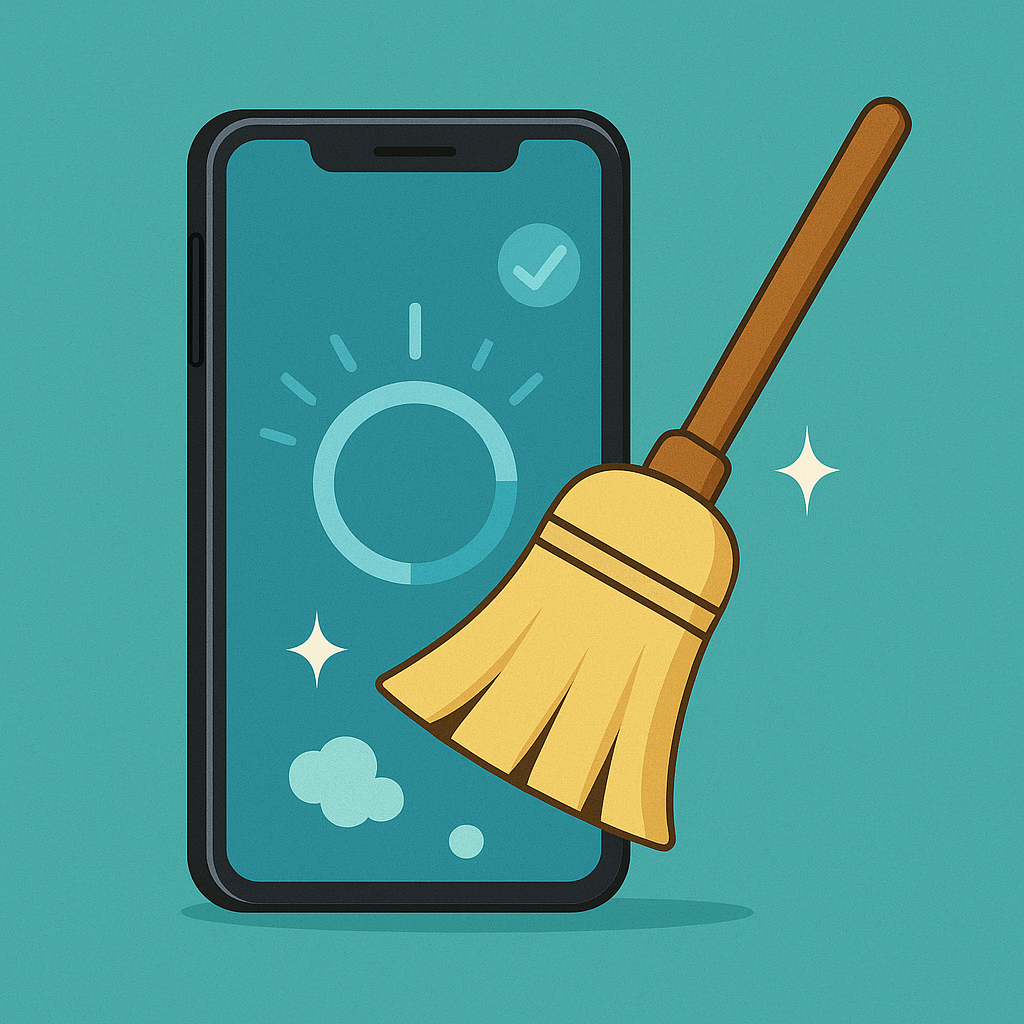
Empty RAM is not a sign of a healthy phone.
The screen showing “1.8 GB of RAM freed” conveys an intuitive but incorrect idea: that free memory equals well-managed memory. On Android, the opposite is true. The system intentionally keeps recently used applications frozen in RAM, without consuming processing power, precisely so that they instantly return when you tap on them.
When something truly needs memory—the camera opening, a game loading—the system itself decides which process is removed from the queue, starting with the one you used the longest ago. This mechanism is automatic and more informed than any release button because it knows the priority of each process.
By forcing a mass shutdown, you undo this work. The applications that were ready need to be loaded from scratch the next time they are opened: re-reading storage, re-establishing network connections, rebuilding the screen. This consumes more processing power and more battery than it would have if you had left them alone. The immediate feeling of lightness comes from the graphics, not the device.
The real causes of a dragged cell phone
Slowness almost never has just one cause. It's worth checking this list before blaming a lack of cleaning:
- Storage at its limit. With less than 10% of free space, the system loses room to write temporary files, and everything becomes slower, including opening the keyboard.
- Heat. Above a certain temperature, the processor reduces its own speed to protect itself. A cell phone in the sun, inside a tight pocket, or while playing games with the charger plugged in frequently enters this state.
- Degraded battery. When the cell no longer delivers the required peak current, the system limits performance to prevent sudden shutdown.
- Applications that have become too resource-intensive. The app you installed three years ago has received dozens of updates since then, and each one has demanded a little more from your device.
- Too much stuff on the home screen. Animated wallpapers, numerous widgets that update automatically, and custom launchers come at a price with each unlock.
- Slow network connection often mistaken for a slow phone. If the delay only occurs in apps that rely on the internet, the bottleneck is in the signal, not the processor.
- Entry-level device with limited memory. There is a hardware floor that no adjustment can surpass.
A fifteen-minute guide to unlocking the device.
Before installing anything else, follow this sequence. It is ordered from the cheapest action to the most drastic:
- Restart your phone. Simple and often sufficient: it terminates stalled processes and clears temporary areas that have become stuck.
- Check the storage and work to leave at least one-tenth free.
- See which apps have consumed the most battery in the last few hours. An app with significantly higher resource consumption than others is usually responsible for crashes and overheating.
- Clear the cache only for that suspicious app. through system settings, without a general scan.
- Uninstall anything you haven't opened in over a month. Each app removed is one less service competing for processing power.
- Update your system and applications. Performance improvements are one of the most common reasons for upgrading.
- Turn on your phone in safe mode. Only the factory software runs in this mode. If the device is fast in this mode, the culprit is an application you installed.
- If nothing else works, back up your data and consider a factory reset. It's laborious, but it solves cases where the configuration has accumulated years of dirt.
Constantly closing apps takes a toll on battery life.
Closing everything through the recent apps screen several times a day is a habit that goes hand in hand with the idea of speeding up the device, but it has a side effect. Each app that is forcibly closed will need to be reopened from scratch, resynchronized, and reconnected to the notification server. This cycle of dying and being reborn is precisely the usage pattern that consumes the most energy.
There's another, less obvious cost: apps that are forcibly closed may stop delivering notifications. Messages that arrive late, alarm clocks that don't ring, and ride-sharing apps that miss trips almost always stem from this, especially on devices with aggressive power management settings from the factory.
The best approach is to use what the system already offers: leave battery optimization enabled for common apps, put those you rarely use into hibernation, and mark as unrestricted only those that need to notify you immediately, such as messages and alarms. It's a one-time setting, done instead of a daily cleanup.
What optimization absolutely cannot solve.
It's important to distinguish between software adjustments and hardware limitations. No application changes the processor, increases the amount of installed RAM, improves the screen, or replenishes battery capacity. Game mode doesn't create frames per second: at best, it silences notifications and prevents other apps from stealing processing power during gameplay, which is useful, but doesn't transform a basic device into an advanced one.
There's also no way to make a poorly written app run well. If an app crashes on any phone, the problem is with the app itself. And that percentage number that appears after the scan — "optimized performance on 43%" — doesn't correspond to any standardized measure; it's an estimate from the tool itself about its own work.
One detail that completes the reasoning: these apps need to sustain themselves, and the most common model is advertising displayed between optimization steps. This creates an incentive for the tool to always find something to do and call you back every day. If the notification insists on alerting you about risks right after a cleaning, you're reading a piece of media, not a diagnosis.
Common questions
So, should I never close apps from the recent apps screen?
Close the app when it crashes or is malfunctioning. What's not worth it is the habit of clearing all memory cards multiple times a day, because this forces the system to reload everything immediately and consumes more energy.
My phone overheats during gameplay and its performance drops. Is there an app that can fix this?
No. The temperature drop is a thermal protection issue for the processor. What helps is removing the case during long gaming sessions, not playing with the charger plugged in, reducing the graphics settings within the game itself, and avoiding hot environments. Apps that claim to cool the device only terminate other processes.
Is it okay to use battery saving mode all day?
It's useful when the priority is to get through the day with battery remaining. It reduces brightness, limits background synchronization, and, on many devices, slows down the processor—in other words, you consciously trade performance for battery life.
Does a factory reset make your phone like new?
It restores the software to like-new condition, and this usually resolves slowdowns caused by accumulated configuration issues. It doesn't affect battery life, storage usage, or hardware limitations. Make a full backup beforehand, because the process erases everything.
Can an old appliance become fast again just by cleaning it?
It improves, but within a certain limit. New applications and systems are designed with new hardware in mind. After freeing up space, updating, and removing what you don't use, the remaining gains usually come from replacing the battery or using lighter versions of the applications.
Does having two optimizers installed double the speed?
No. They do the same job, maintain two permanent services in memory, and compete for the same permissions. The practical result is more battery consumption and more notifications, without any gain in speed.
Conclusion: Speed up your phone today
If you've come this far, you already understand that there are practical ways to speed up cell phone hassle-free. With just one application installed, you eliminate crashes, improve command response and free up a lot of space.
The tip is: download now the app that best suits your profile, whether for games, professional use or social networks. All the apps listed are free, lightweight and compatible with most Android phones.
So don't wait any longer. Go to PlayStore, choose one of the options and do the download today. Your phone will run like new and your digital experience will be much faster, more fluid and satisfying.